
Some links in this article are affiliate links. As an Amazon Associate I earn from qualifying purchases. This helps support the site at no extra cost to you.
Quick Verdict
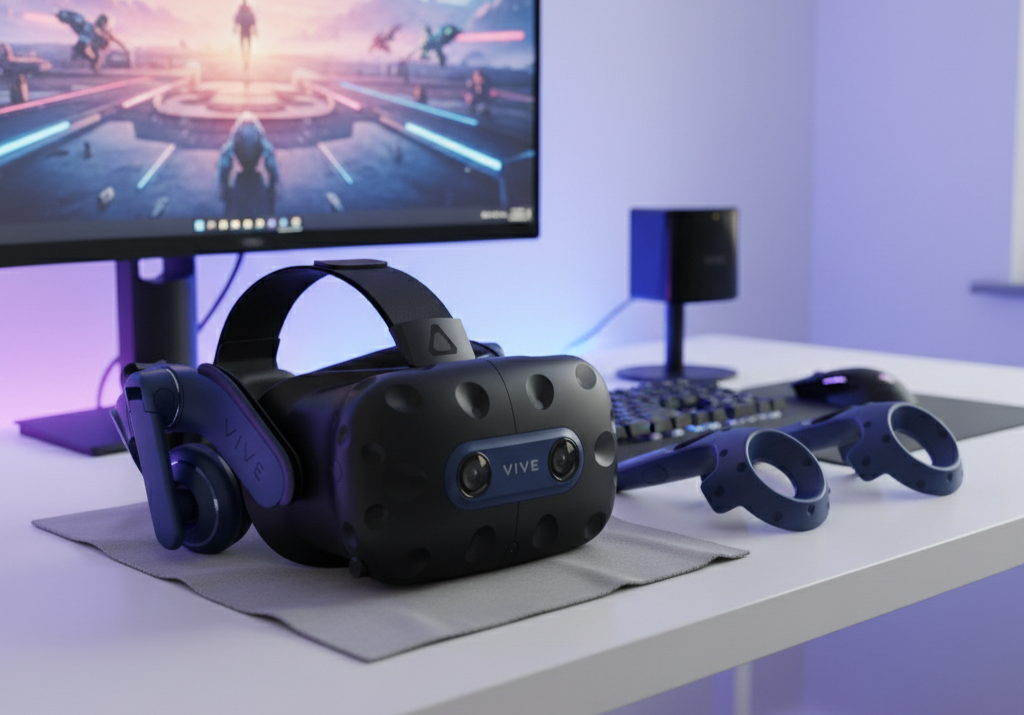
The HTC Vive Pro 2 is a high-end, PC-tethered VR headset aimed at enthusiasts, professionals, and those who want top-tier visuals over convenience. With its ultra-high resolution, 120 Hz refresh rate, and wide field of view, it pushes what a headset can deliver, but you’ll need a beast of a PC to keep up. If your priority is visual fidelity and you already own SteamVR accessories, it’s a strong option; otherwise, cheaper or standalone headsets might better suit your needs.
Key Specs
Display resolution: 2448 × 2448 per eye (“5K” class)
Refresh rate: Up to 120 Hz
Field of View: ~120°
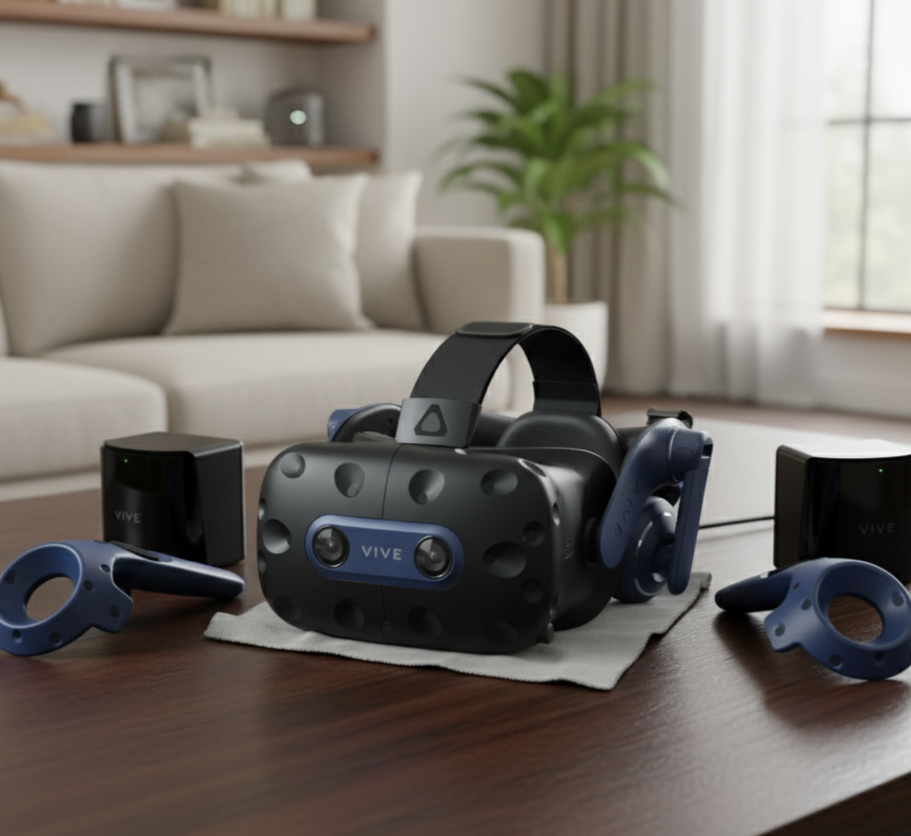
Controllers: Vive controllers / compatible with existing SteamVR controllers
PC Requirements: High-end GPU and CPU to drive 5K + 120 Hz
Why you might buy it
- Outstanding visual clarity — the 5K-class resolution and 120 Hz refresh deliver crisp, sharp images and drastically reduce the “screen-door” effect.
- Great for professionals & serious VR users — creators, simulators, and VR enthusiasts who want top-tier visuals for detailed environments will benefit.
- Compatibility with existing Vive / SteamVR ecosystem — if you already own base stations or controllers, you may reuse them.
- Wide field of view — 120° view helps with immersion and peripheral vision in VR.
Pros
- Exceptional resolution per eye — very sharp visual detail
- 120 Hz refresh and wide FOV enhance immersion
- Support for professional/pass-through use cases
- Ability to reuse SteamVR accessories and tracking gear if you already own them
Cons
- Very demanding on hardware – many computers can’t run it at full fidelity reliably
- Complex setup – external base stations, wiring, and spatial calibration required
- Expensive when factoring in need for controllers and base stations if you don’t already own them
Performance & real-world use
In real-world tests, the Vive Pro 2 produces stunning visuals, especially when exploring detailed environments or reading fine text in VR. However, to run it smoothly at high settings, your PC needs to be capable – pushing 5K resolution at 120 Hz demands a top-tier GPU and CPU. Reviews report that even fast machines struggle when running default SteamVR at 150% render scale. Some users note the comfort and ergonomics are familiar from previous Vive designs, though weight and heat buildup can become noticeable in longer sessions.
Who is this best for?
- VR enthusiasts and sim users who demand top visual quality.
- Professionals using VR for design, training, or visualization.
- Users who already have or plan to invest in a powerful gaming PC and VR tracking setup.
Avoid if:
- You prefer plug-and-play, standalone systems.
- Your PC is mid-range and can’t drive 5K @120 Hz reliably.
- You dislike complex setups or want wireless comfort.
Short buying checklist
- Confirm your PC can drive 5K resolution at high framerates.
- Check whether you already own SteamVR base stations/controllers — reuse saves cost.
- Ensure your room layout supports external tracking (space + placement).
- Factor in accessories (cables, mounts, lens covers).
- Buy from reputable sellers to ensure warranty and authenticity.
Comparison
Compared to standalone headsets like Meta Quest or PS VR2, the Vive Pro 2 prioritizes visual fidelity over convenience, it doesn’t run on its own, but with a powerful PC it delivers far superior resolution, refresh rate, and tracking precision. Against other PC VR systems like Valve Index or the HP Reverb, the Pro 2’s edge lies in its absolute resolution and FOV, though it lags slightly in comfort, audio/microphone quality, and ease of setup. It’s more complex, but for those who want the sharpest VR experience in a tethered environment, it stands out among the competition.
Key Specs
Display: 1832 x 1920 pixels per eye, fast-switch LCD
Refresh Rate: Up to 120Hz
Processor: Qualcomm Snapdragon XR2
RAM: 6GB LPDDR4X
Storage Options: 64GB, 128GB, 256GB
Controllers: Oculus Touch controllers with 6DOF
Connectivity: USB-C, Bluetooth 5.0, Wi-Fi 6
Safety, Maintenance & Buying Tips
- Use lens covers or microfiber cloths to protect optical surfaces — avoid touching lenses directly.
- Keep the play area clear; with external tracking, you’re more exposed to collisions.
- Periodically wipe sweat or moisture off the headset and straps.
- Ensure proper ventilation — the headset can heat up during long sessions.
- Calibrate base stations and controllers regularly to maintain tracking accuracy.
- Store base stations securely to avoid misalignment over time.
FAQs
Final Verdict
The HTC Vive Pro 2 is a powerhouse for users who prioritize top-tier visuals and precision in a tethered VR setup. When paired with the right PC hardware and tracking system, it offers a level of clarity and immersion few headsets can match. However, the trade-off is complexity, cost, and steep performance requirements. If you’re a hardcore VR user or professional ready to invest in a premium setup, the Pro 2 offers one of the sharpest VR experiences available in 2025. For most casual users or those seeking simplicity, standalone or wireless systems still hold strong appeal.